
Uploading your signature is mandatory for all active Course Directors (CD)
Course rules: 2.8.12
The signature of the Course Director is mandatory on all ERC Certificates. The Course Director is responsible for ensuring that their signature is added to the certificates.
Steps
- Login to your CoSy account
- Go to the profile tab in the leftside bar.
- Click on the signature tab
- Save your signature
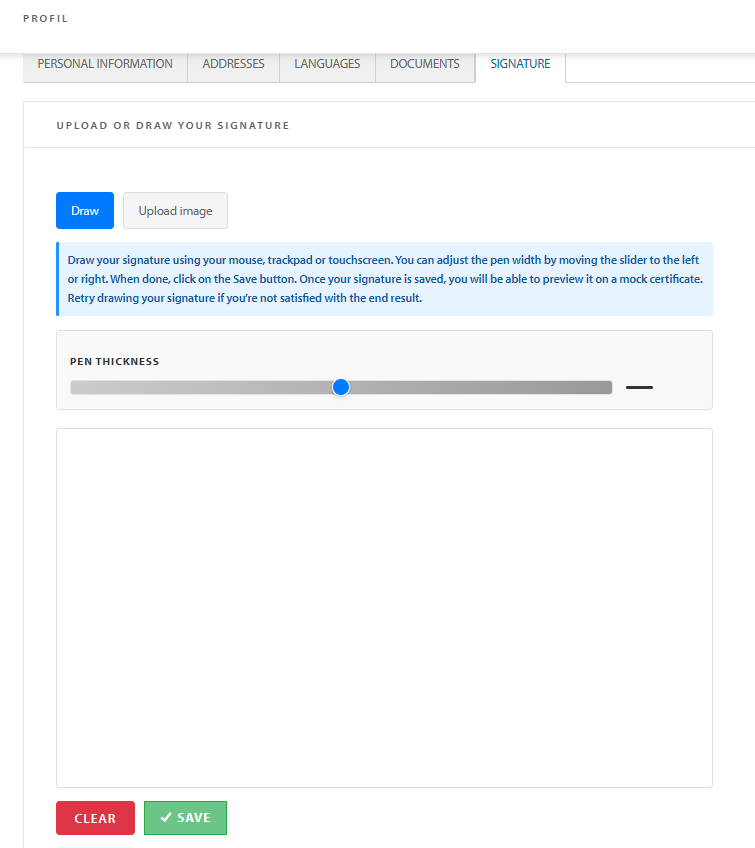
To upload your signature use a white background, or draw your signature using touchpad, mouse or touchscreen.