
Steps
- Log in to your CoSy account.
- Open the Profile section.
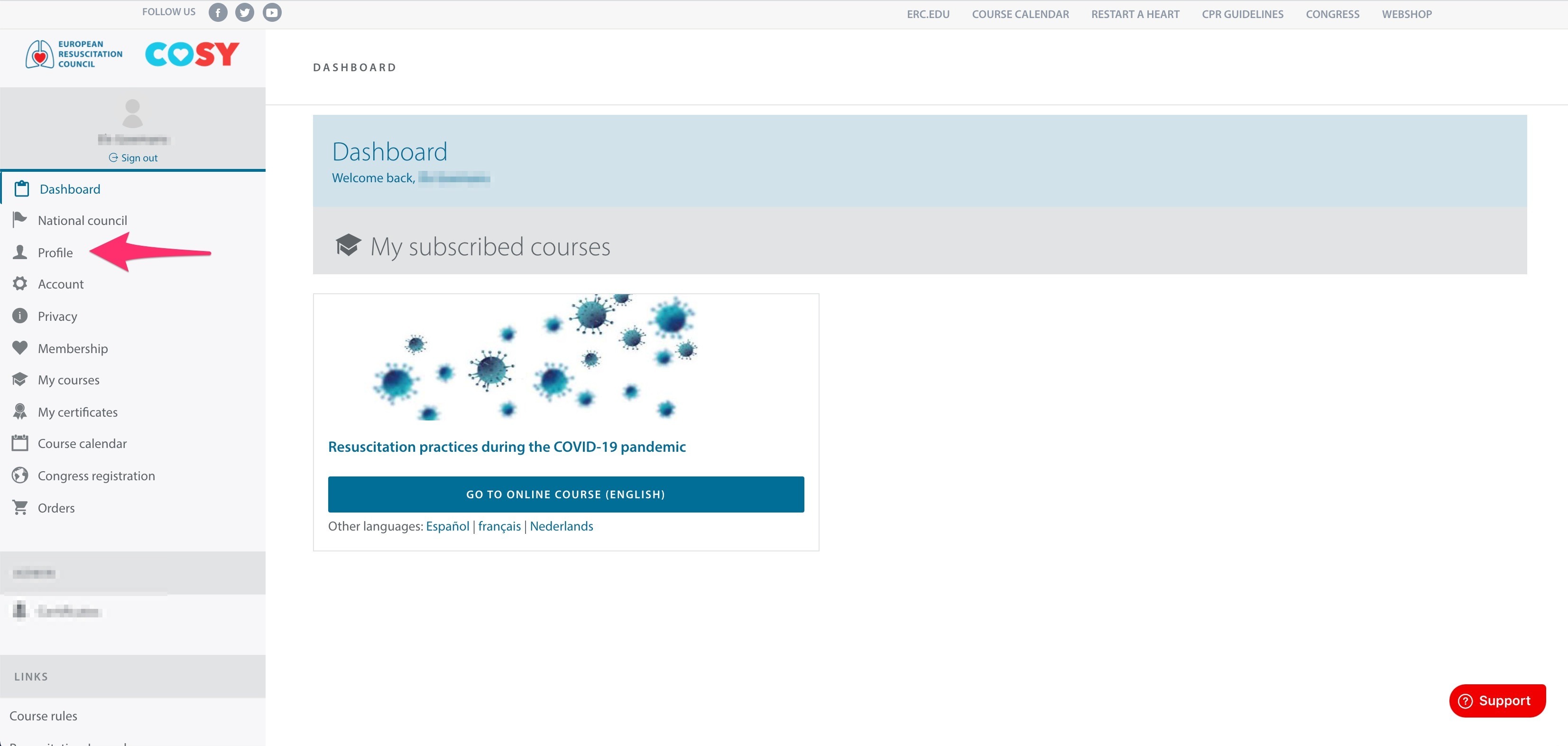
- Scroll down to the Languages section.
- Select your preferred language.
- Click the green Save button to save your changes.


Additional Information
CoSy supports several language settings, including:
- Account language
- E-learning language
- Spoken languages