You can update your profile information through the Profile section of your CoSy account.
Steps
- Log in to CoSy.
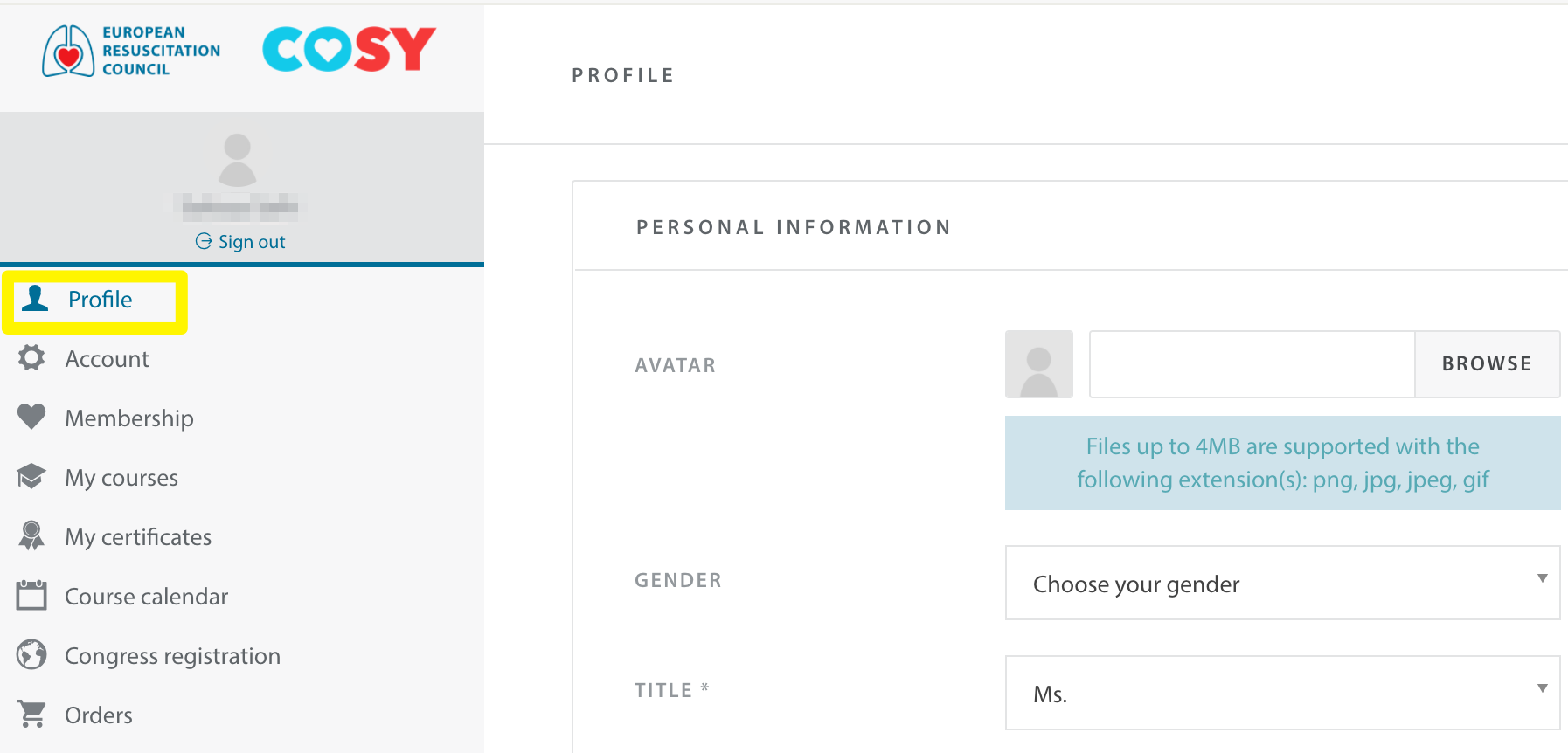
- Open Profile from the left-hand menu.
- Select the section you wish to update.
- Make your changes.
- Click Save.
Personal Information
Update your personal details as required.
Some profile fields may be locked for verification purposes.
If you cannot update a field, please contact support@erc.edu
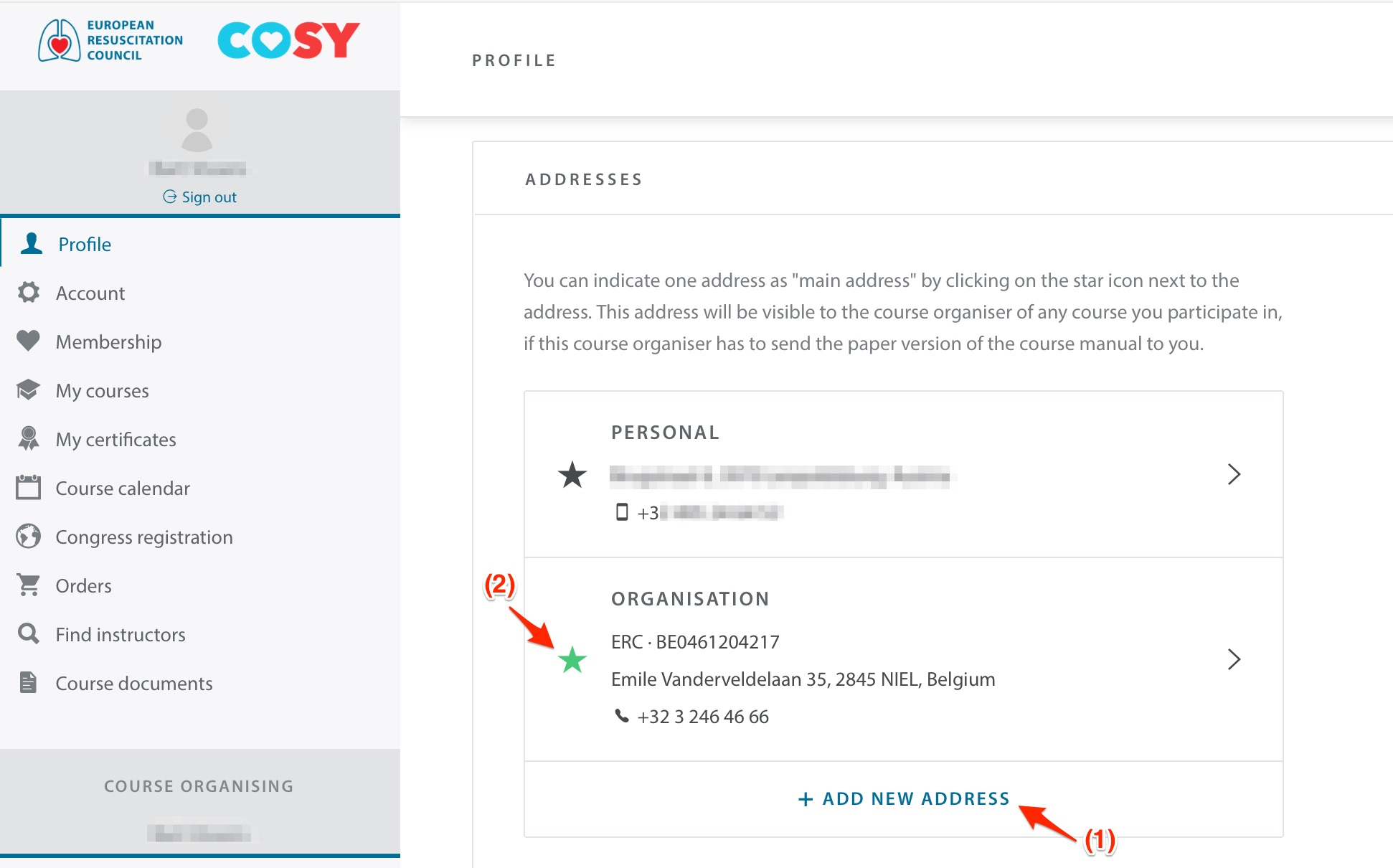
Addresses
- Add new addresses.
- Select a preferred address.
- Remove outdated addresses.