
Warning
Deleting your CoSy account is irreversible.
You may permanently lose access to:
- Certificates
- Course history
- Membership information
- Instructor records
- Qualifications linked to your account
How to submit a deletion request
- Log in to CoSy.
- Open the Privacy section.
- Click Contact Form.
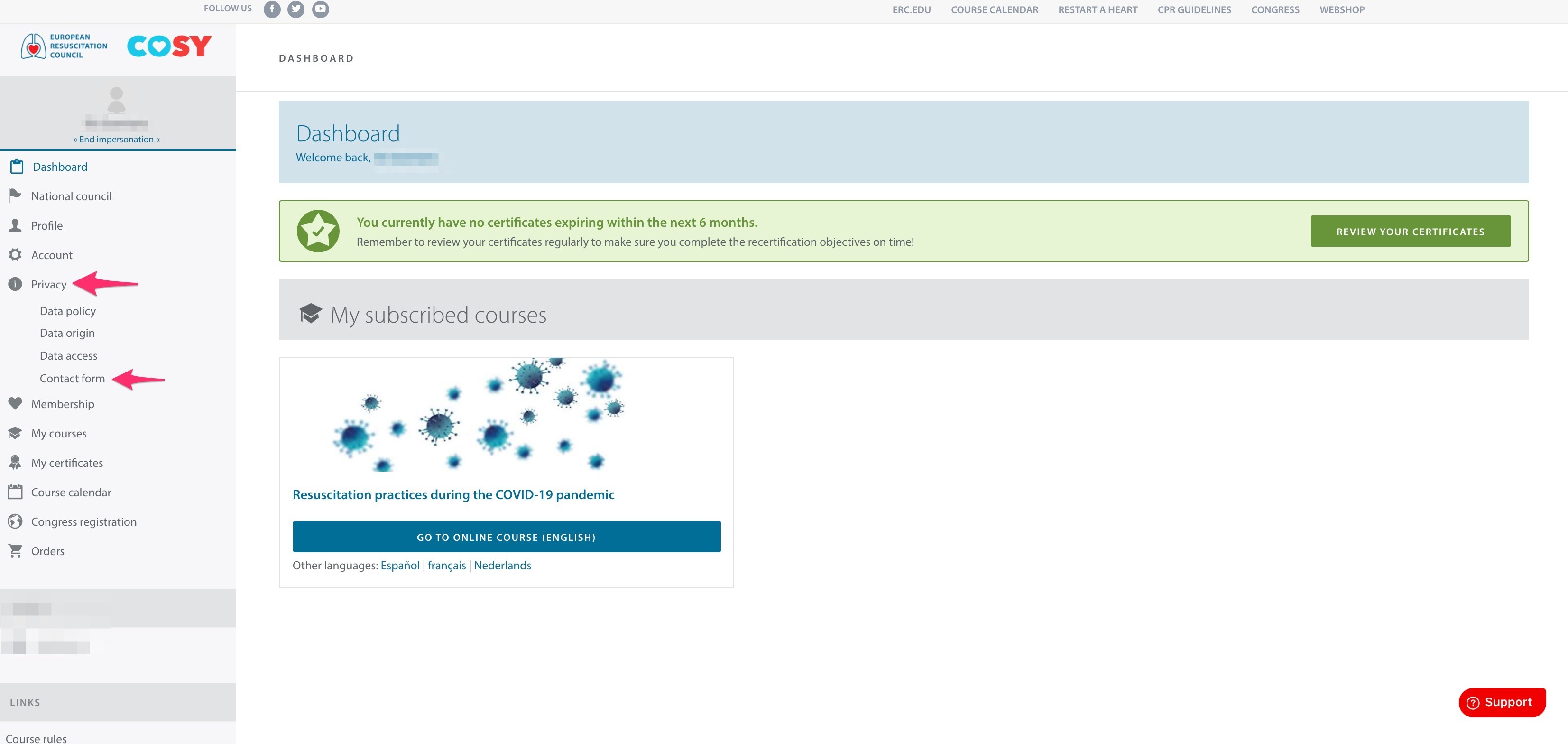
- Select one of the following options:
- Erasure
- Data Portability
- Submit your request.
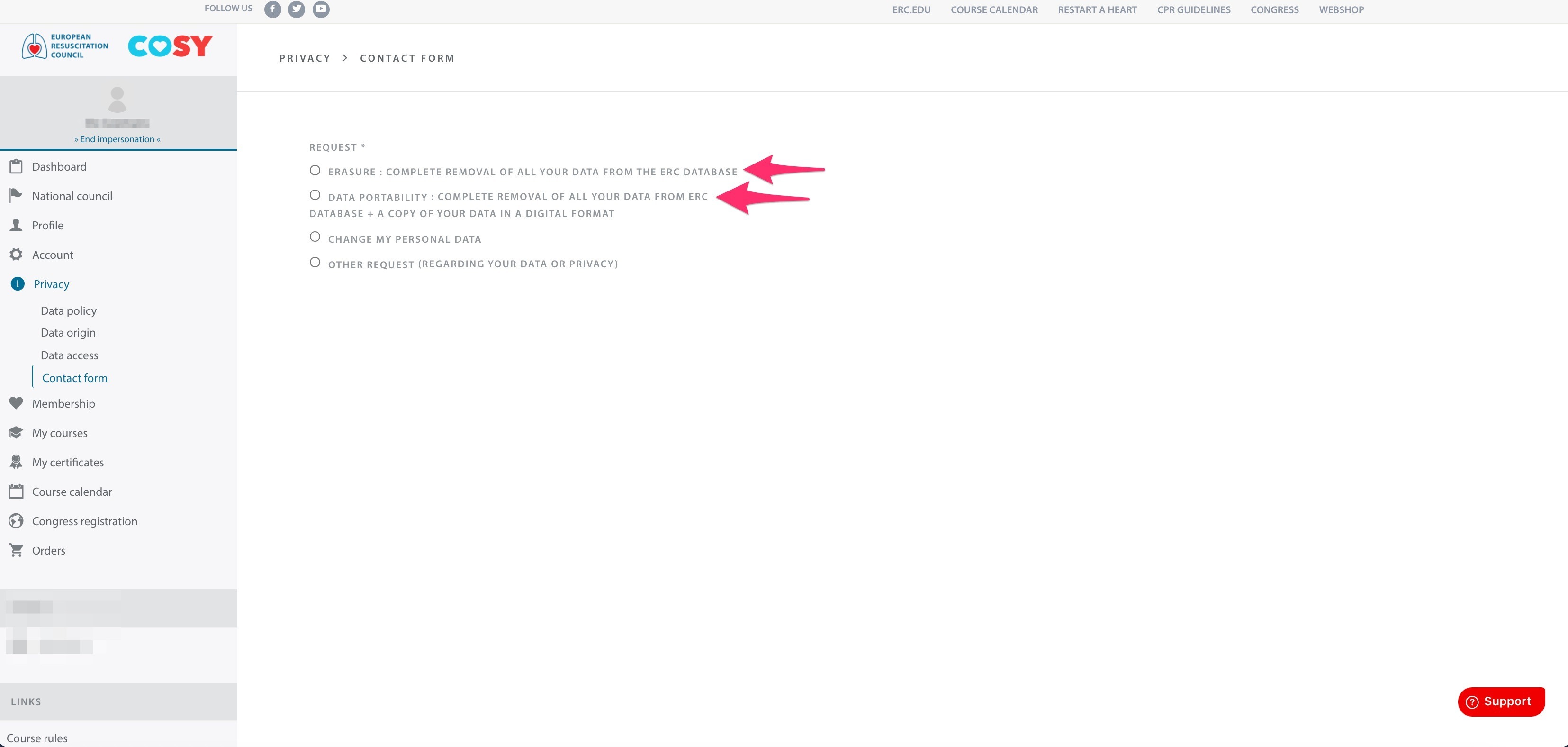
What is the difference?
Erasure
- Your personal data will be permanently removed from the ERC database.
Data Portability
- You will receive a copy of your personal data in a digital format before your data is removed from the ERC database.
Before deleting your account
We recommend that you first:
- Download any certificates you wish to keep.
- Download your course history.
- Verify that you no longer need access to ERC services.