You can select the faculty members by ticking their box and choose either “Set as experienced MD” or “set not as experienced MD".
After selecting the experienced MD you need to click on the pencil next to the function and adjust it to co-director.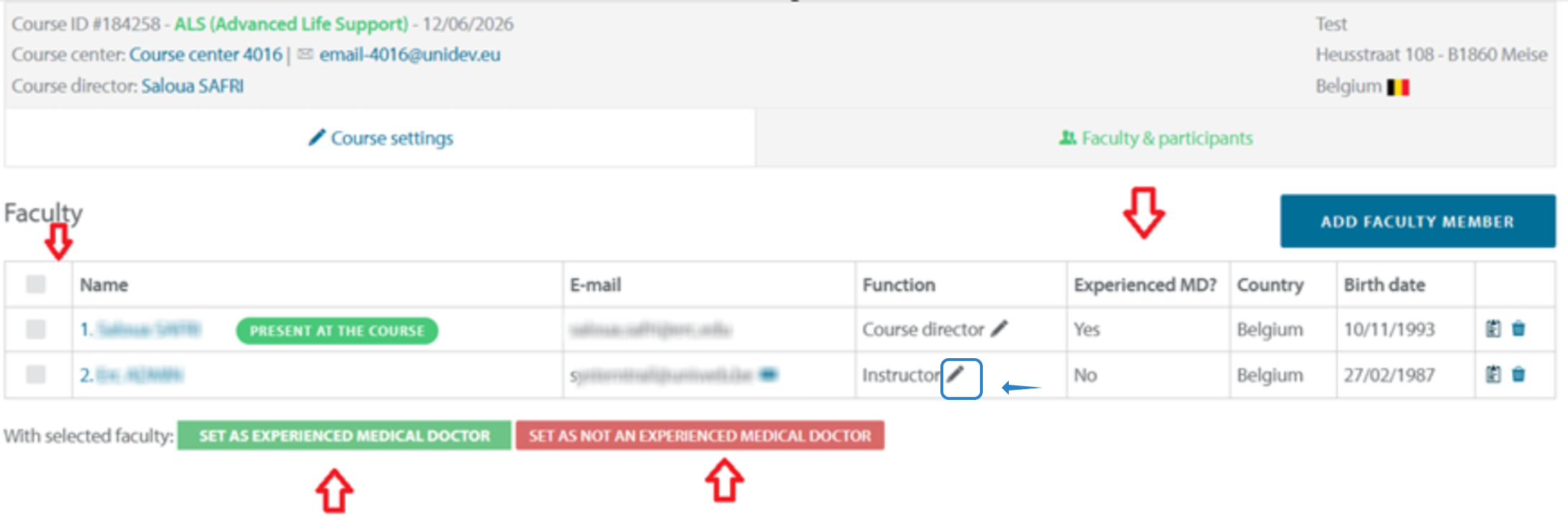

Modified on: Thu, 23 Apr, 2026 at 3:43 PM
You can select the faculty members by ticking their box and choose either “Set as experienced MD” or “set not as experienced MD".
After selecting the experienced MD you need to click on the pencil next to the function and adjust it to co-director.
Did you find it helpful? Yes No
Send feedback